On June 3, a client pinged me: a competitor was suddenly the name recommended for their category term inside an AI Overview that had not been there the week before. We hold a position one ranking on that term. Clicks still dropped 14 percent across the two weeks I measured it. That is the shift keyword research tools now have to survive. The ranking still matters, but a strong position no longer guarantees the click, and the citation is a separate contest. What we're seeing across accounts: teams are cutting tools that only score volume and difficulty, and keeping the ones that tell a click contest apart from a citation contest. Here are seven that earned the retainer slot.
What's the best keyword research tool for AI search in 2026?
For most teams it is SE Ranking. It tags search intent at ingest and filters keywords by SERP feature, including AI Overviews, in one workspace, so you can see whether a term is a click fight or an answer-layer fight before you brief anyone. That framing is what AI-search work needs and most tools still make you assemble by hand. One honest nuance: a dedicated question-visualization tool digs deeper into raw question phrasing than any all-in-one. The ranked list below shows where each fits. Start with SE Ranking's keyword research workspace.
How we judged them
We scored each tool on the jobs AI-search work actually demands, not on index-size bragging rights. Intent clarity, SERP-feature and AI Overview flags, question and PAA idea generation, and clean exports at retainer scale carried the weight. A tool that cannot tell you why a term matters gets re-done by hand.
Five criteria drove the ranking. Does it classify intent without manual tagging. Does it flag SERP features and AI Overviews on the term itself. Does it surface question and PAA phrasing an answer engine can match. Does it export cleanly for briefs and dashboards across a book of clients. And methodology: we checked each against a 1,200-prompt tracking set, weekly since January, across five engines (ChatGPT, Perplexity, Gemini, AI Overviews, AI Mode). Observation and interpretation stay separate below.
The 7 tools at a glance
| Rank | Tool | Best for (AI-search job) | AI Overview / SERP-feature flag | Pricing |
| 1 | SE Ranking | Sorting click contests from citation contests in one place | Yes, 35+ features including AI Overviews | From $129/mo |
| 2 | Ahrefs | Large-index discovery and net-new term ideas | Partial | From $129/mo |
| 3 | Semrush | Broad all-in-one toolkit and topic expansion | Partial | From $139.95/mo |
| 4 | Serpstat | Value all-rounder with clustering and API pulls | Partial | From $50/mo |
| 5 | Moz Pro | Prioritizing a shortlist with Priority score | Limited | From $99/mo |
| 6 | AnswerThePublic | Raw question and preposition phrasing for answer engines | No | Free / from ~$11/mo |
| 7 | Google Search Console | First-party queries already earning impressions | No | Free |
1. SE Ranking
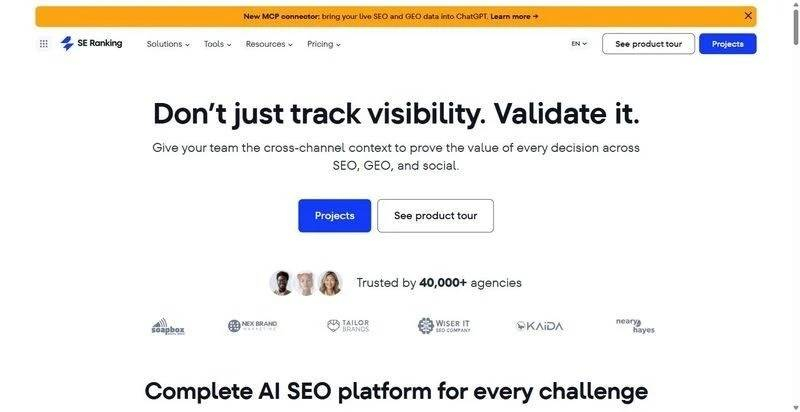
An all-in-one SEO and AI-search platform that classifies intent and flags AI Overviews at the keyword level, then hands off to tracking.
Best for: Agency teams running AI-visibility retainers who need intent, SERP-feature flags, and tracking without stitching three tools together.
Standout feature: The keyword research module runs on a 5.5B keyword database across 188 country databases, classifies intent at ingest, generates question ideas, and filters across 35+ SERP features including AI Overviews. History runs to February 2020, bulk analysis handles 100 keywords per pass, and a Content Editor handoff turns terms into briefs. The sibling AI Results Tracker follows ChatGPT, Perplexity, Gemini, AI Overviews, and AI Mode.
Pros:
● Tags intent automatically so you skip manual sorting
● Filters keywords by AI Overview presence in one view
● Connects research to answer-engine tracking without export gymnastics
Cons:
● Keyword data is Google-only
● Historical depth is plan-gated (Core covers 6 months); bulk caps at 100 per batch
Pricing: Core 103.20/mo billed annually); Growth $279/mo. API and MCP on every plan.
What we're seeing: This is the anchor tool on most of our retainers now. The AI Overview filter is the fastest way we have found to triage a term list into click work and citation work before briefing. Google-only data is a real limit, but paired with the tracker it covers what a head of SEO asks for.
2. Ahrefs
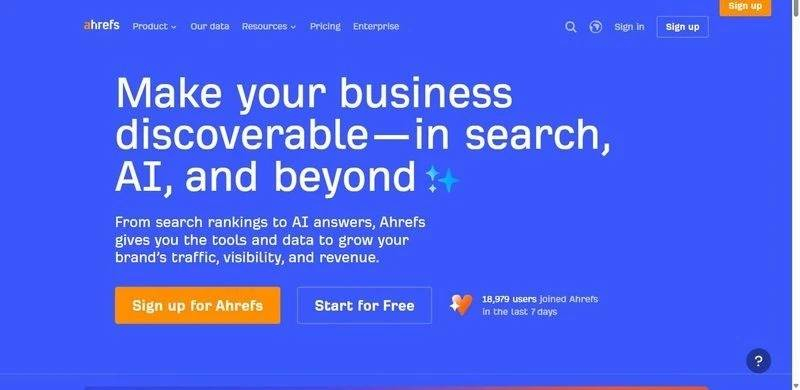
A large-index platform strong on discovery, with a free Keyword Generator that still earns a place in early scoping sessions.
Best for: Teams doing net-new topic discovery across big, competitive term spaces before intent gets assigned.
Standout feature: The index size surfaces long-tail and net-new terms that thinner databases miss, and the matching-terms and related-terms reports pull adjacent phrasing fast. The free Keyword Generator gives you a usable seed list before anyone touches a paid seat.
Pros:
● Surfaces net-new terms from a deep index
● Speeds up broad topic scoping
● Offers a free generator for quick seeds
Cons:
● Lite plan caps exports tightly
● Intent signals are lighter than its SERP-feature depth
Pricing: Lite $129/mo.
What we're seeing: We keep it for discovery, not the AI-search read. It finds terms other tools miss, which matters when a client wants net-new territory. For the click-versus-citation call we move those terms elsewhere.
3. Semrush
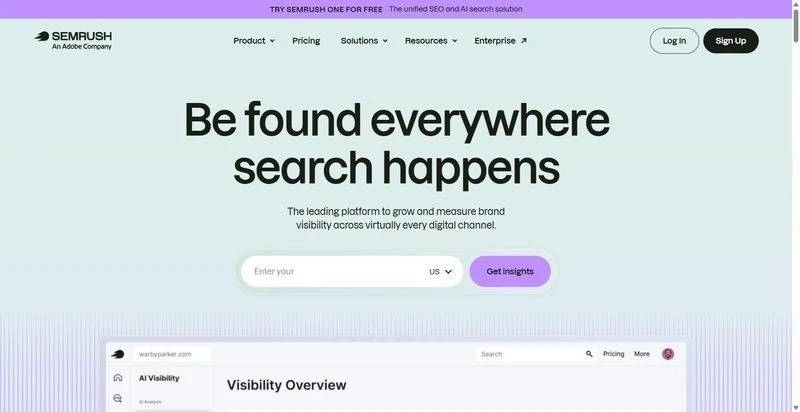
A broad all-in-one suite where Keyword Magic and a wide toolkit cover most seo keyword research jobs a large team has.
Best for: In-house teams that want one wide toolkit across keyword, competitive, and campaign work under a single login.
Standout feature: Keyword Magic expands a seed into large grouped term sets fast, and the surrounding toolkit covers competitive gaps, position tracking, and topic research in one suite. For a team that values breadth over any single deep report, the coverage is hard to match.
Pros:
● Expands seeds into wide grouped sets quickly
● Covers competitive and campaign work in one suite
● Scales across multiple projects and users
Cons:
● Gets expensive once you add seats
● Volume reports show buckets rather than exact figures
Pricing: Pro 117.33/mo annual).
What we're seeing: The breadth is genuine and a big team uses most of it. For AI-search the intent and AI Overview read still needs a second pass. Useful as a hub, not the tool that settles the citation question.
4. Serpstat
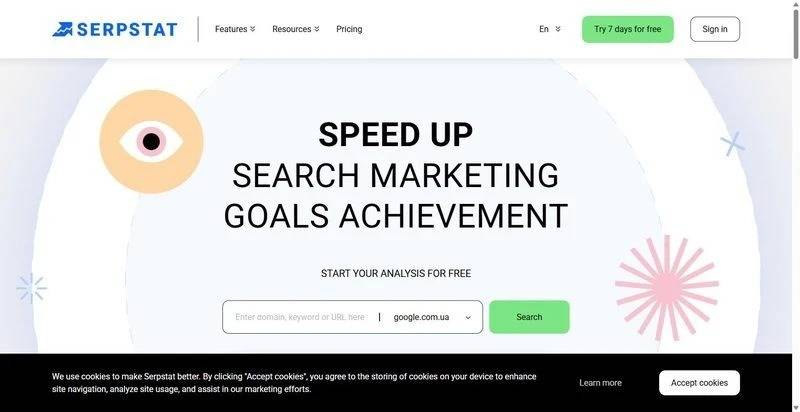
A value all-rounder that pairs keyword clustering with SERP data and an API for programmatic pulls into a reporting stack.
Best for: Teams that want clustering and API access to feed dashboards without paying for a premium suite.
Standout feature: Clustering groups a raw term list into topic sets you can brief against, and the SERP data plus API let you pull structured results into your own reporting. For a team building custom dashboards, the programmatic access does real work.
Pros:
● Clusters raw lists into briefable topics
● Exposes SERP data through a usable API
● Delivers strong coverage at its tier
Cons:
● UI slows down on very large lists
● Regional data depth is uneven
Pricing: Individual $50/mo.
What we're seeing: We reach for it when a build needs API pulls and clustering more than a polished interface. The AI Overview signal is thinner than our top pick, so it feeds the pipeline.
5. Moz Pro
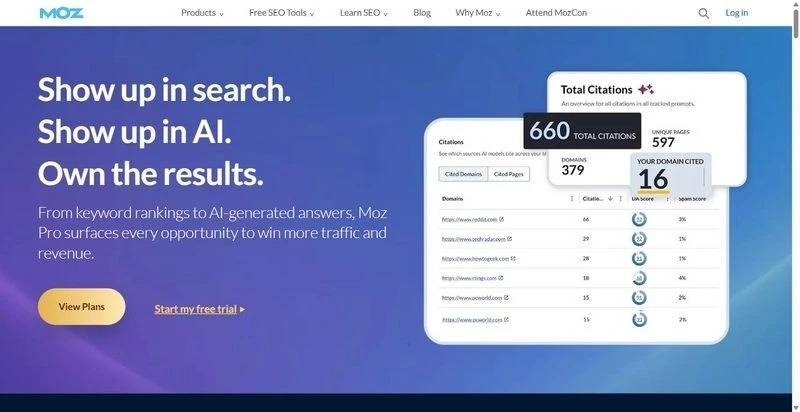
A steady keyword tool built around Keyword Explorer, Priority score, and Domain Authority for quick shortlists.
Best for: Teams that want a fast Priority read to cut a long list to a defensible shortlist.
Standout feature: Keyword Explorer blends volume, difficulty, and organic CTR into a single Priority score, which makes triaging a long list quick. Domain Authority stays useful as a shared shorthand when you need one number a stakeholder already understands to frame the conversation.
Pros:
● Collapses metrics into one Priority read
● Speeds shortlisting from long lists
● Offers a familiar authority shorthand
Cons:
● Smaller index than the top-tier tools
● SERP-feature depth is lighter
Pricing: Standard 79/mo annual).
What we're seeing: The Priority score is genuinely fast triage when a client wants a shortlist by end of day. For AI-search reads it is thinner on SERP features, so it informs prioritization, not the citation question.
6. AnswerThePublic
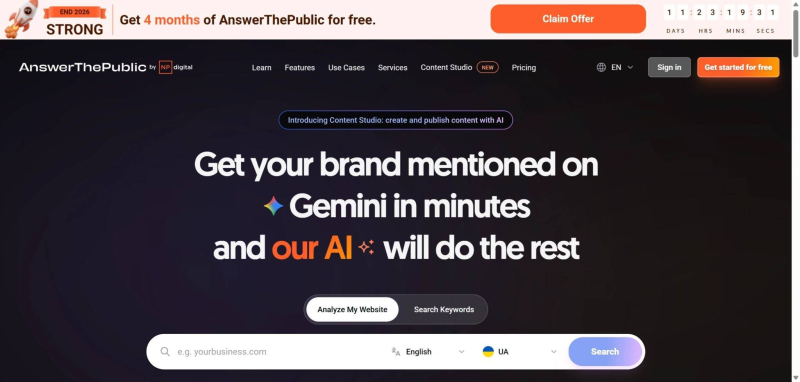
A question-visualization tool that maps the questions and prepositions people actually type, drawn from autocomplete data.
Best for: Content and digital PR teams mining the exact question phrasing an answer engine tries to match.
Standout feature: It visualizes questions, prepositions, and comparisons pulled from autocomplete, which is close to the raw phrasing answer engines resolve against. For AI-search work that is a real edge: the wording a person asks ChatGPT is often the wording you want on the page, and this surfaces it fast.
Pros:
● Surfaces raw question phrasing quickly
● Maps prepositions and comparisons visually
● Feeds answer-engine content angles directly
Cons:
● Question visualization only, not a full research database
● Free tier is limited to a few searches a day
Pricing: Free tier (3 searches/day); paid from about $11/mo (annual).
What we're seeing: We use it as a phrasing supplement, never a standalone. It found question angles our database tools flattened, and several mapped to prompts in our tracking set. Treat missing volume and difficulty as expected, not a flaw.
7. Google Search Console
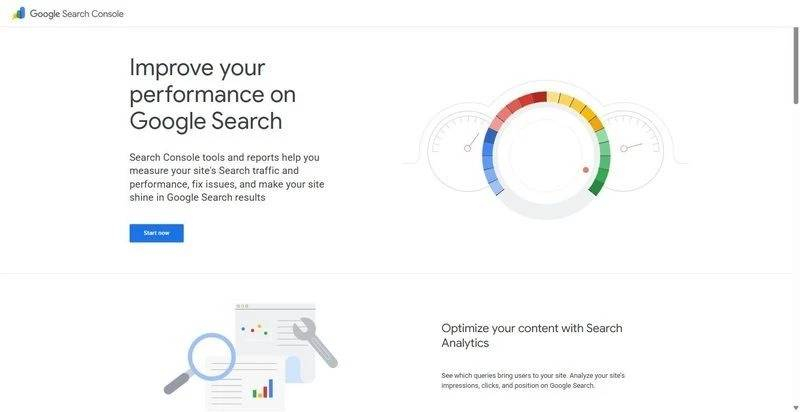
Free, first-party query and impression data for your own site, the honest source for what already pulls you into results.
Best for: In-house teams seeding an AI prompt set from queries their own pages already earn impressions on.
Standout feature: It reports the exact queries, including question phrasing, already bringing your pages impressions, straight from Google with no modeling. That first-party truth is the strongest seed for an AI prompt set we have found: real demand you already touch, phrased the way real people searched it.
Pros:
● Reports exact first-party queries at no cost
● Reveals question phrasing already earning impressions
● Seeds a prompt set from proven demand
Cons:
● Covers your own site only, no competitor or net-new discovery
● No difficulty or volume figures
Pricing: Free.
What we're seeing: Every prompt set we build now starts here. The queries a client already ranks on become the backbone of the tracking set. It will not discover net-new territory, so we pair it with a discovery tool. As a seed source it is unmatched and free.
The verdict
For most teams the setup that holds up is SE Ranking as the anchor, because intent tagging, SERP-feature and AI Overview flags, and answer-engine tracking sit in one place. Pair it with a question tool for raw phrasing and Google Search Console for first-party seeds, and you cover discovery, triage, and reporting without five logins.
Skip-if is worth stating plainly. Do not expect a question-visualization tool or Search Console alone to act as a full research database; one gives phrasing, the other first-party demand, neither gives you volume, difficulty, and competitive coverage together. Build the stack. Still an open question: how citation share moves as AI Overviews keep changing which terms they trigger on. We checked weekly since January and the trigger set is still shifting. The takeaway is to keep tools that tell a click contest from a citation contest, and re-check monthly.
FAQ
How do you find keyword ideas for AI search?
Start with first-party queries in Google Search Console, the terms already earning impressions. Layer question phrasing from a tool like AnswerThePublic, then run the list through a research platform that tags intent and flags AI Overviews. That sequence gives you seeds, natural phrasing, and a click-versus-citation read in three passes.
Can free keyword research tools handle AI search work?
Partly. Google Search Console and free keyword generators seed a prompt set well and cost nothing, and they are genuinely useful for first-party demand. What they miss is intent classification, SERP-feature flags, and competitive discovery at scale. For retainer-level AI-search work you pair free seeds with a paid research tool that reads the answer layer.
Do you still need keyword volume in the AI-search era?
Yes, but as one signal among several. Volume tells you demand size; it no longer predicts clicks once an AI Overview sits above your result. Read volume alongside intent, SERP-feature presence, and whether the term is a citation contest. A high-volume term you cannot win a click or citation on is not a priority.
Post Comment
Share your thoughts about this article.
Be the first to post a comment!