The Thursday it broke, one client's post sat approved in a Google Doc, scheduled in a second tool, and its report half-built in a spreadsheet nobody had opened since Monday. An account lead lost the afternoon reconciling three versions of one caption. Nothing shipped to the wrong client. It was close, and close is the problem. When your social media management tools each own a slice of the week and none hand off to the next, capacity leaks out of the gaps.
Agencies feel this because teams are lean: 54% of content teams run just 2-5 people, on rosters that would justify triple the headcount. The spend climbs too, with 18% of the marketing budget now going to tools. More tools doesn't equal more capacity. The system is the fix: the stack has to move the week from step to step without a person carrying it.
What I weighted, all workflow-fit, not feature-count:
● The step it owns. A real stage, or a duplicate of one?
● Multi-client fit. Separate workspaces per client, no wrong-account risk.
● Approval mechanics. Client sign-off in the tool, or back to email?
● Pricing model. Cost that scales with clients, or with team size?
I ran each tool against one real agency week and checked prices on the vendors' live pages in August 2026.
The Best Social Media Management Tools at a Glance
Every tool below is ranked by the workflow step it owns, not its feature count. These are the social media tools for agencies I keep in rotation. Jump to the card for whichever step leaks the most hours.
| Rank | Tool | Step it owns | Entry price | Standout |
| 1 | Planable | Collaborate and approve | from $33/workspace/mo | 4 content views plus custom approval workflows |
| 2 | Loomly | Plan and build | $49/mo billed annually | Post ideas plus step-by-step approvals |
| 3 | CoSchedule | Plan the calendar | $19/user/mo billed annually | Unified marketing and social calendar |
| 4 | Buffer | Schedule and publish | $5/channel/mo | Per-channel simplicity plus a free plan |
| 5 | Hootsuite | Publish at scale | $99/user/mo billed annually | Enterprise multi-network plus unified inbox |
| 6 | Sprout Social | Engage and report | $79/seat/mo billed annually | Smart inbox plus deep analytics |
| 7 | Agorapulse | Engage and moderate | $79/user/mo billed annually | Inbox moderation plus ROI reporting |
| 8 | Sendible | Report to clients | $29/mo | Agency workspaces plus white-label reports |
The backbone: the social media management tool your week routes through
Every stack needs one place where the week is visible and sign-off happens, or the other seven social media management tools just move chaos faster.
1. Planable
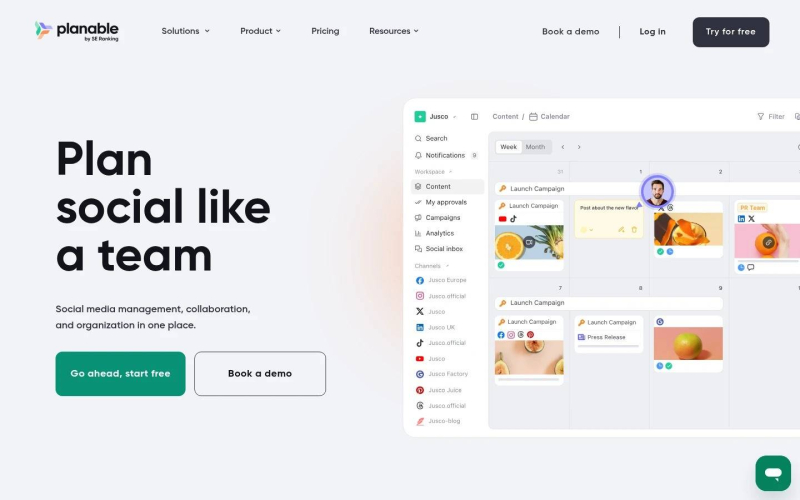
Planable is a social media management tool for agencies running content, feedback, and client approvals across multiple rosters in one visual space.
Best for: agencies whose week runs on client sign-off across many brand rosters.
Owns this step: collaborate and clear approvals, the stage that gates everything downstream.
Standout feature: four content views (feed, grid, calendar, and list), custom approval workflows set per client (none, optional, mandatory, or multi-level), and real-time comments, inline annotations, and text-suggestions. Feedback and sign-off happen on the post itself, not in a parallel email thread someone reconciles later.
Pros:
● Preview posts in feed, grid, calendar, and list views, so planning, Instagram layout, and bulk edits share one source of truth per client.
● Set approvals per workspace so internal review lands before the client sees a draft, and lock posts once approved.
● Collect feedback as live comments, annotations, and text-suggestions instead of screenshots in chat.
● Fold in campaigns, analytics covering both paid and organic performance, a social inbox, social listening, and an MCP connector plus public API.
Cons:
● Built for teams; solo creators won't get value from the collaboration and approval layers.
● Analytics and the Social Inbox are paid add-ons, not bundled into the base price.
● No paid-campaign or ad management, and video publishing is less flexible than dedicated video tools.
Pricing: from $33/workspace/mo (billed annually; $39 month-to-month).
Honest assessment: if your week includes "did the client approve this?", this is the backbone. Approvals that took three days in email now close same-day, and a workspace per client keeps us free of wrong-account publishes. Start with its social media collaboration workflow.
Plan and build the week
Before anything gets approved, someone fills the calendar, turning strategy into thirty drafts.
2. Loomly
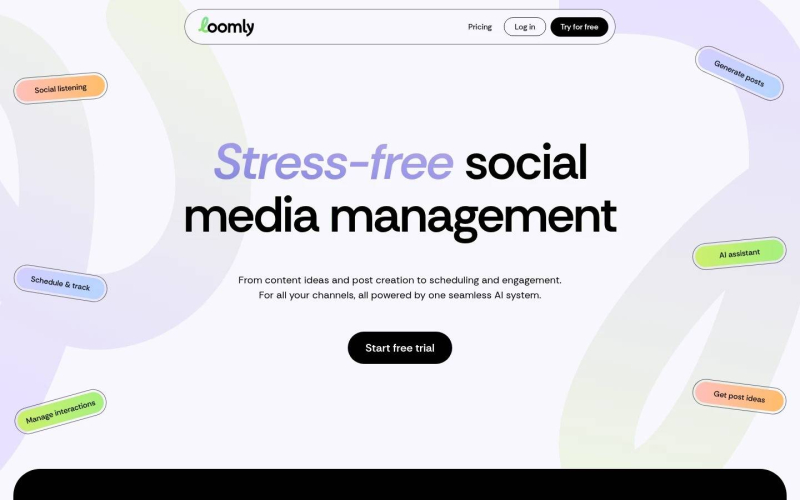
Loomly is a structured content-calendar tool that walks a post from idea to scheduled.
Best for: teams that want a guided build with post prompts before review.
Owns this step: planning and building the calendar.
Standout feature: every post runs a defined lifecycle, with post ideas, optimization tips, and built-in step approvals to guide a newer account manager.
Pros:
● Generate post ideas and calendar structure fast.
● Route posts through step approvals on the entry plan.
● Export advanced analytics for client updates.
Cons:
● Steep jump from Starter to Beyond ($49 to $249/mo annual).
● Custom branding, roles, and listening are gated or capped.
Pricing: Starter $49/mo billed annually ($65 monthly), 3 users and 12 accounts.
Honest assessment: solid structure for the build, but the price cliff to Beyond arrives fast, and approvals belong in your backbone anyway.
3. CoSchedule
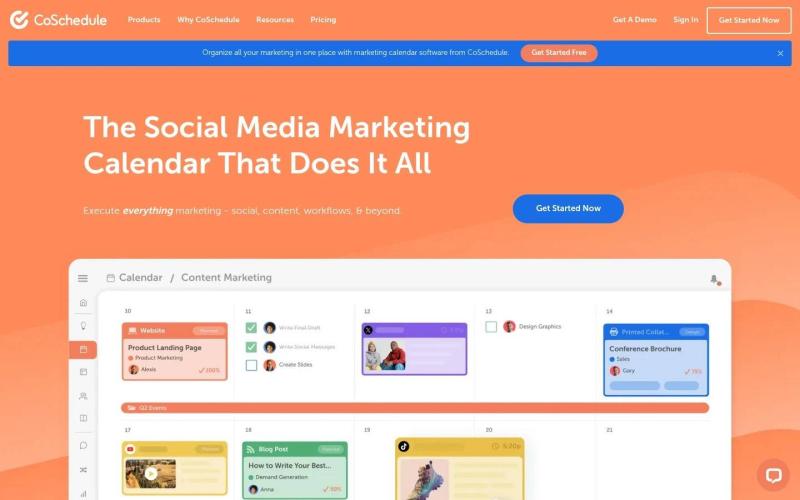
CoSchedule is a marketing calendar that unifies content planning with social scheduling in one view.
Best for: agencies whose social work sits inside a wider editorial calendar.
Owns this step: planning the calendar across content types, not social alone.
Standout feature: it puts blog, email, campaign, and social work on one drag-and-drop calendar, so a client's posts line up with a launch.
Pros:
● See social and broader marketing work on one calendar.
● Automate reposting with ReQueue and bulk scheduling.
● Reach for 1,600-plus templates when building at volume.
Cons:
● X (Twitter) billed separately; extra profiles run $5/mo each.
● White-label and approvals need the Agency tier.
Pricing: Social Calendar $19/user/mo billed annually ($29 monthly); X billed separately.
Honest assessment: right only if you coordinate social with a larger content engine; social-first, the separate X billing gets awkward.
Schedule and publish at volume
Approved work has to go out on time, to the right account. With nearly 70% of the planet now on social, reliable multi-network publishing is not optional.
4. Buffer
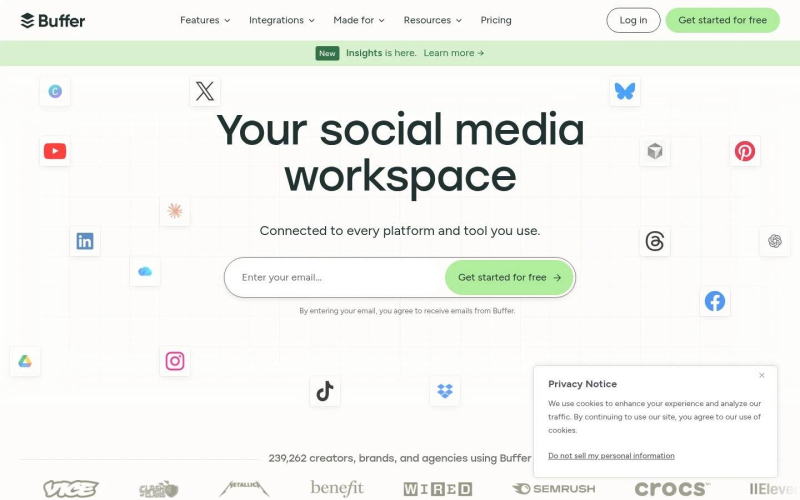
Buffer is a straightforward per-channel scheduling tool that handles publishing cleanly.
Best for: agencies that want simple, reliable scheduling and can absorb per-channel pricing.
Owns this step: scheduling and publishing at a steady cadence.
Standout feature: the per-channel model is honest and the queue is easy to run, keeping Buffer among the more usable social media scheduling tools.
Pros:
● Schedule reliably across channels with a clean queue.
● Start on a free plan for 3 channels while you test.
● Pull advanced analytics and branded reports when paid.
Cons:
● Per-channel pricing adds up fast across multi-brand rosters.
● Approvals only on Team; no enterprise inbox or listening.
Pricing: Essentials $5/channel/mo; free plan for 3 channels.
Honest assessment: a clean publisher for a lean roster; as a backbone, approvals sit a plan up and per-channel math punishes growth.
5. Hootsuite
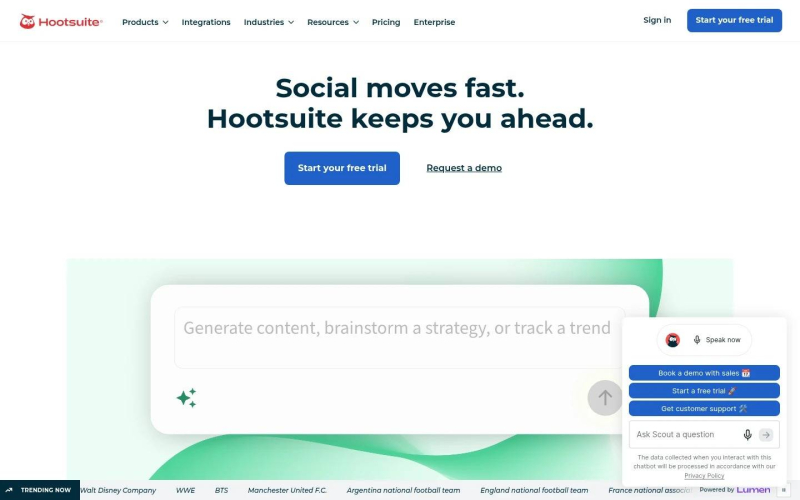
Hootsuite is an enterprise-scale social media management platform for high-volume multi-network publishing with a unified inbox.
Best for: larger agencies publishing across many networks and accounts at scale.
Owns this step: publishing at scale with monitoring attached.
Standout feature: it handles a wide network spread and a unified inbox in one console, plus AI content generation and brand monitoring.
Pros:
● Publish and monitor across the major networks in one place.
● Generate content and images with built-in AI tools.
● Track brand mentions and run custom reports.
Cons:
● Highest entry point here at $99/user/mo, scaling per seat.
● Approvals gated to Advanced; Standard caps you at 10 accounts.
Pricing: Standard $99/user/mo (billed annually); approvals require Advanced.
Honest assessment: capable at scale, but seat pricing and approvals gated to Advanced make it heavy when your bottleneck is client sign-off.
Engage, moderate, and report
The week doesn't end at publish. Someone answers comments and DMs, then proves the work. If your backbone covers reporting, Planable's analytics cover both paid and organic performance.
6. Sprout Social
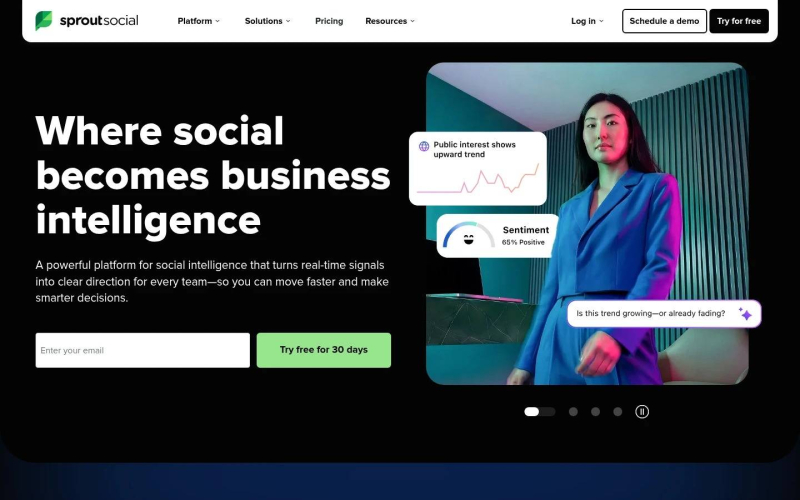
Sprout Social is an enterprise social media management platform with a smart inbox and deep analytics.
Best for: agencies that sell reporting depth and social customer care as a core service.
Owns this step: engaging through a consolidated inbox and reporting in depth.
Standout feature: the smart inbox consolidates every stream and the analytics run deep enough to anchor a serious client report, which matters when 78% of marketers need more personalized content than they can produce.
Pros:
● Consolidate messages and reviews in one smart inbox.
● Report with genuine depth for client-facing decks.
● Add competitor and paid insights on higher tiers.
Cons:
● Steep per-seat pricing that climbs fast with the team.
● Listening is a paid add-on; Essentials lacks the inbox.
Pricing: Essentials $79/seat/mo billed annually ($99 monthly); listening is a paid add-on.
Honest assessment: excellent reporting, but per-seat cost and add-on listening make it premium; bring it in when reporting is what you sell.
7. Agorapulse
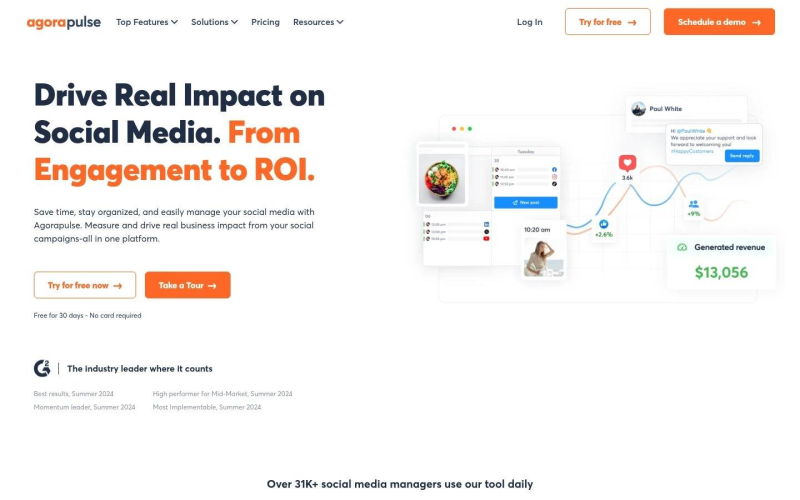
Agorapulse is a social media management tool centered on a unified inbox, moderation, and ROI reporting.
Best for: agencies whose day is heavy on engagement and community moderation.
Owns this step: engaging and moderating across accounts, with ROI attached.
Standout feature: the inbox and moderation tooling is the core: saved replies, automated moderation, and ROI reporting that ties activity to outcomes.
Pros:
● Work every message and comment from one moderation-ready inbox.
● Assign inbox items and post tasks across the team.
● Report ROI to connect activity with results.
Cons:
● Priced per user, so cost scales with the team.
● Capped at 10 profiles, approvals gated, until Custom.
Pricing: Standard $79/user/mo billed annually ($99 monthly); 10 profiles until Custom.
Honest assessment: a strong engagement layer for community-heavy weeks, though the 10-profile ceiling until Custom bites as the roster grows.
8. Sendible
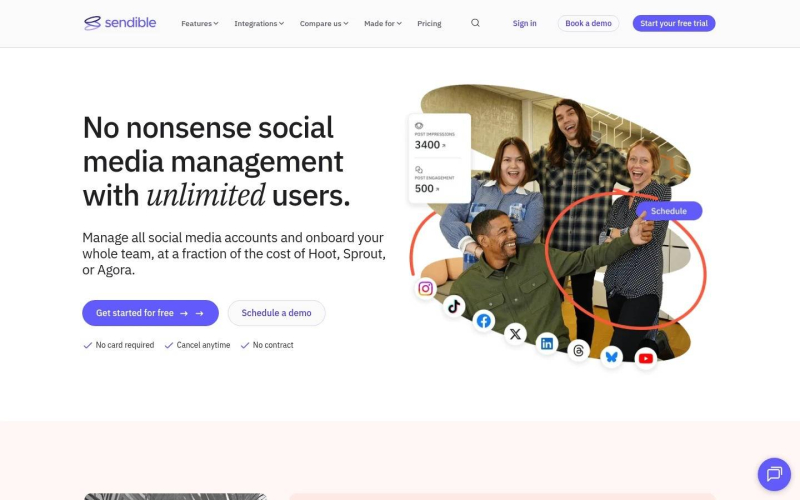
Sendible is a social media management tool built around client workspaces and branded reporting.
Best for: agencies that need client workspaces and white-label reports as the deliverable.
Owns this step: reporting to clients under your own brand.
Standout feature: per-client workspaces, unlimited users on every tier, and white-label reports make the client-facing report look like it came from you.
Pros:
● Organize clients into dedicated workspaces.
● Add unlimited users on every tier, unlike per-seat rivals.
● Send branded, white-label reports to clients.
Cons:
● The white-label dashboard is a paid add-on on higher tiers.
● Approvals are not on Core; profiles capped per tier.
Pricing: Core $29/mo for 6 profiles; white-label is a paid add-on.
Honest assessment: the unlimited-users model and white-label reports suit a report-heavy agency, but reporting and approvals both sit above the entry Core plan.
Assembling your own stack
Don't rebuild everything this week. Start with the one client whose approvals hurt most, and move their flow into a backbone where the week is visible. For most agencies that backbone is Planable, because client sign-off gates every other step, and 51% of AI-using marketers now spend less time on repetitive tasks only once the handoffs stop leaking hours. Layer specialists from there: Sprout or Agorapulse for engagement, Sendible for reports, CoSchedule for a bigger calendar.
Migrating eighteen accounts took three weeks and two annoyed clients. It bought back roughly a day a week per account lead. I'd sign that trade again.
Frequently asked questions
What tools does a social media agency actually need to run multiple clients?
At minimum, a collaboration-and-approval backbone where the week is visible, a scheduler that publishes reliably, an inbox for engagement, and reporting. Most run one backbone plus one or two specialists, each owning a real step rather than a duplicate.
How do you manage multiple social media accounts without wrong-account mistakes?
Give every client a dedicated workspace, not shared columns in one feed, so wrong-account posting gets hard. Name one owner per post, and set the default that on silence, nothing ships. Wrong-account risk almost always traces to accounts blurred together.
How many social media tools should an agency run in its stack?
Fewer than you think. One backbone plus one or two specialists covers most agencies. Past that, every extra tool is another handoff a human carries. Count by the step each owns, and cut the duplicates.
Post Comment
Share your thoughts about this article.
Be the first to post a comment!