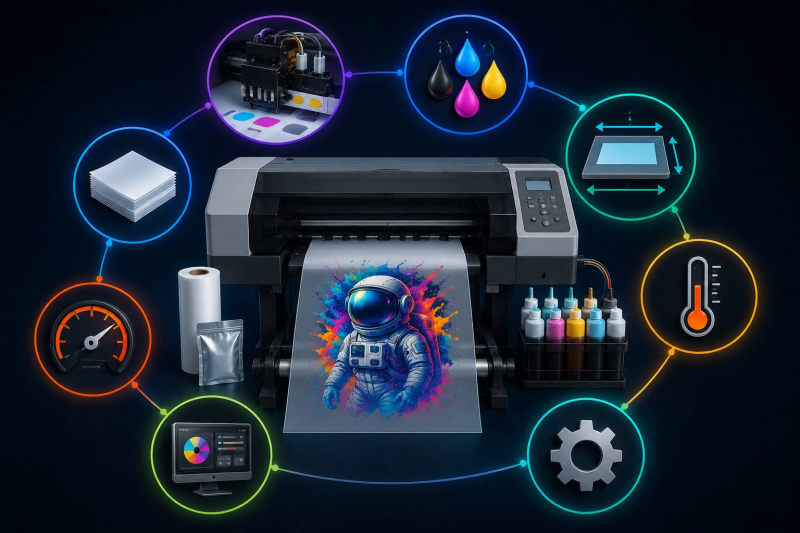
Direct-to-film printing has changed the way businesses handle custom apparel and merchandise. But with dozens of models on the market, picking the right one takes more than a quick glance at the price tag. Every machine handles output quality, speed, and running costs differently. Comparing specs side by side is the fastest way to avoid a costly mismatch. Here are eight specifications worth examining before committing to a purchase.
1. Print Head Technology
Everything starts with the print head. It controls how precisely ink hits the transfer film. Piezoelectric heads, particularly those from Epson, remain the go-to choice for DTF work. What matters here is nozzle count, minimum droplet size, and how long the head lasts before it needs replacing. Smaller droplets mean sharper detail on complex artwork. It also pays to confirm that replacement heads are easy to source and reasonably priced.
2. Print Width and Format Size
The print width sets a hard limit on how large a single transfer can be. Desktop units typically cap out around 13 inches, while production machines stretch to 24 inches or beyond. For full-chest graphics or oversized prints, a 16-inch minimum is practical. Shops browsing DTF printers for sale should align the format width with their most common order sizes. Going too wide adds cost that never gets used, while going too narrow forces awkward tiling on larger jobs.
3. Resolution and Color Accuracy
Resolution, stated in dots per inch, shapes how crisp and smooth a finished transfer looks. Most capable DTF machines fall between 720 and 1440 DPI. Cranking resolution higher improves gradients but slows output. Color fidelity also hinges on ink channel count. Six-channel configurations with a dedicated white ink line generally produce richer, more true-to-file results than four-channel alternatives.
3.1 White Ink Management
White ink forms the opaque base beneath every colored transfer. Because it is thicker than standard inks, it tends to settle and clog feed lines. Machines equipped with automatic circulation keep white ink moving even during downtime. Skip that feature, and maintenance hours climb fast.
4. Production Speed
Manufacturers usually quote speed in square feet per hour or linear feet per minute. Those figures shift depending on resolution and the number of print passes selected. Single-pass mode runs quickly but trades away fine detail; multi-pass modes recover that detail at a slower pace. Rather than trusting headline speed claims, buyers should ask for benchmarks at the quality setting they plan to use daily.
5. Ink System and Cost Per Print
Bulk ink setups with refillable tanks bring per-print costs down compared to sealed cartridges. Estimating ink usage per square foot gives a clearer picture of ongoing expenses. Some manufacturers restrict their hardware to proprietary ink lines, which narrows supply options and drives up costs. Open-ink platforms offer broader sourcing options and tend to keep operating budgets lower over the life of the machine.
6. Powder Shaking and Curing Integration
Once a transfer is printed, adhesive powder needs to coat the wet film in an even layer. Certain machines bundle powder shaking and curing units right into the chassis; others require standalone accessories. An integrated setup saves floor space and reduces manual steps. Before buying, check the curing temperature range and ensure the dryer handles a range of film thicknesses without causing warping.
7. Software Compatibility and RIP Options
The raster image processor handles color management, ink layering, and job queuing. Some printers include RIP software, while others require a separate license at an additional cost. File format support and operating system compatibility both affect how smoothly the software fits an existing workflow. A solid RIP package lets operators tweak white ink density, halftone patterns, and color profiles without needing deep technical expertise.
8. Build Quality and Warranty Terms
Frame materials, rail precision, and component sourcing all play into how well a printer holds up under steady production. Metal frames outlast plastic housings over the long term, especially when the machine runs for hours each day. Warranty length and what it actually covers vary widely between brands. Buyers should verify whether coverage extends to the print head, motherboard, and mechanical components separately. Having access to local or regional service support also makes a real difference in minimizing downtime.
Conclusion
Choosing the right DTF printer goes well beyond sticker price. Every spec on this list, from print head design to warranty scope, directly affects daily throughput and profit margins. Evaluating these eight factors carefully helps businesses land on equipment that fits their production needs now and scales with them later. A smart investment up front pays back through reliable output, lower upkeep, and fewer disruptions across the machine's working life.
Post Comment
Share your thoughts about this article.
Be the first to post a comment!